[OPEN SOURCE] · Operations platform
Ops Center
One place to run Linux infrastructure.
status: Active development · v0.1.0 · 2026-10-02
Ops Center is a self-hosted operations platform for Linux and Docker hosts. Server inventory, Ansible automation, patching, monitoring and logs, vulnerability scanning and an optional high-availability deployment live in one web interface. AI agents are an optional layer on top.
open source · MIT · contributions and issues on GitHub
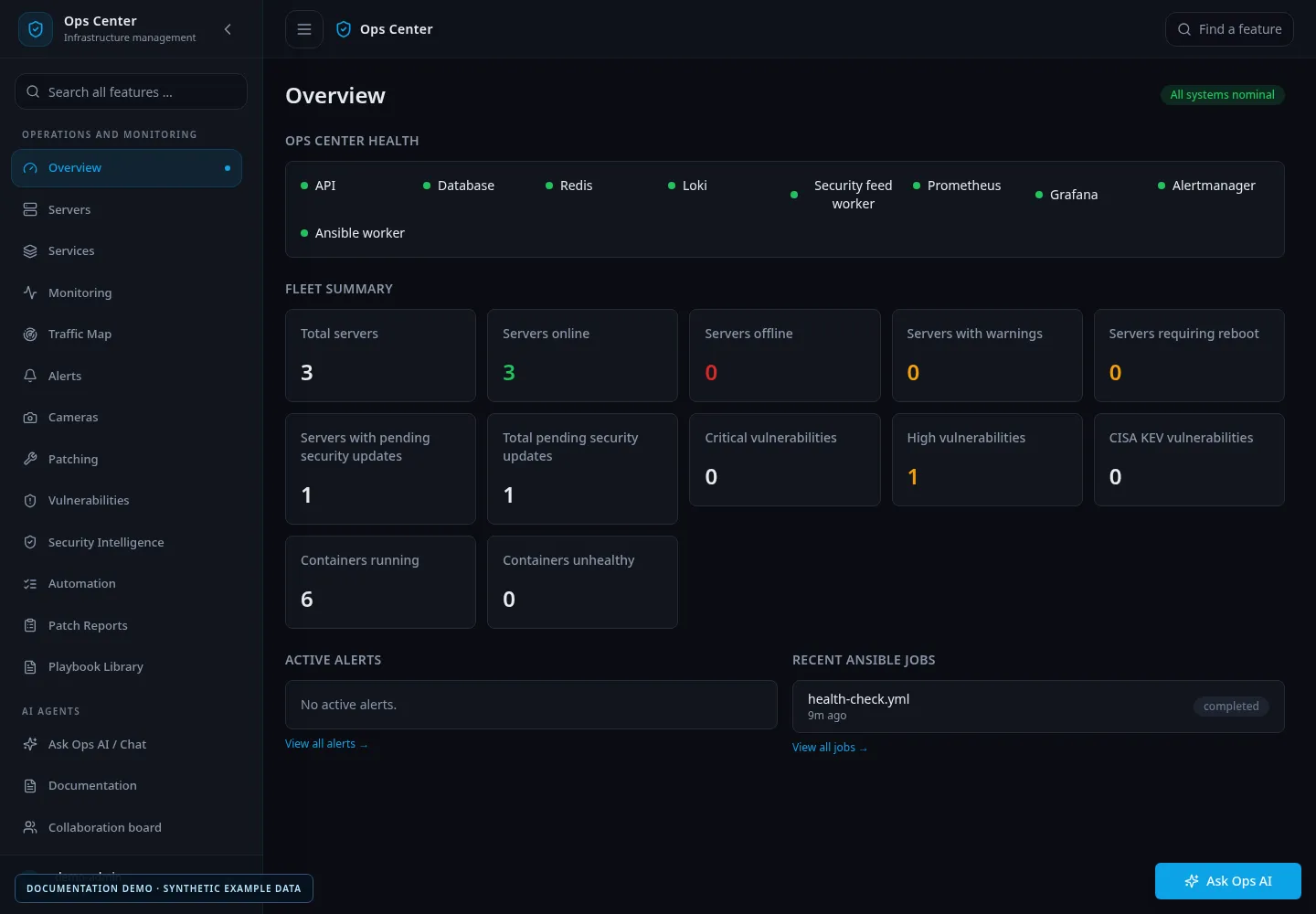
Overview: platform health and fleet summary (synthetic data).
# why
It began as a homelab learning project. I wanted to stop switching between monitoring dashboards, Ansible, scanners, Docker tools and SSH sessions, and I wanted a realistic platform for trying AI-assisted operations where people still approve the changes.
It runs my own homelab, active/active across two Docker hosts with a witness VM for quorum. The public repository is the portable version: your own hosts, your own monitoring sources, and runtime secrets kept outside the repository.
who it's for: Linux administrators, DevOps engineers, homelab users and small infrastructure teams. The installer targets AlmaLinux, Rocky Linux and RHEL 9/10.
# what it does today
- Linux server inventory and SSH-based management, checking the SSH host key before any credentials are sent.
- Docker workload overview per host.
- An Ansible execution worker, a scheduler and a playbook library for scheduled operations.
- Patch management with patch groups and schedules.
- Monitoring with Prometheus, Grafana, Loki, Alertmanager and Blackbox Exporter, plus a searchable log view.
- Trivy vulnerability scanning and security findings per host.
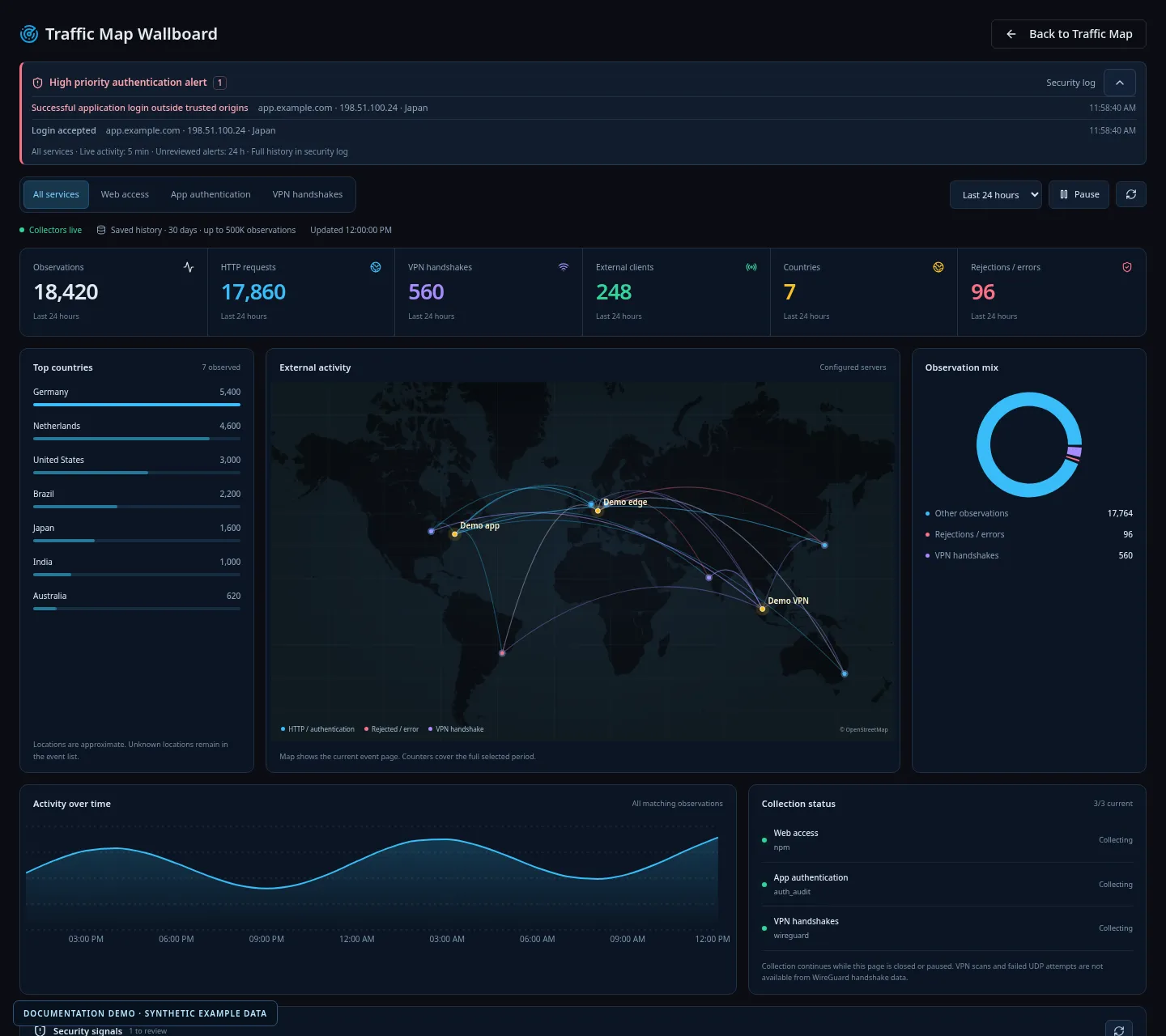
- A Traffic Map with persistent history, and authentication alerts for application logins, SSH and WireGuard.
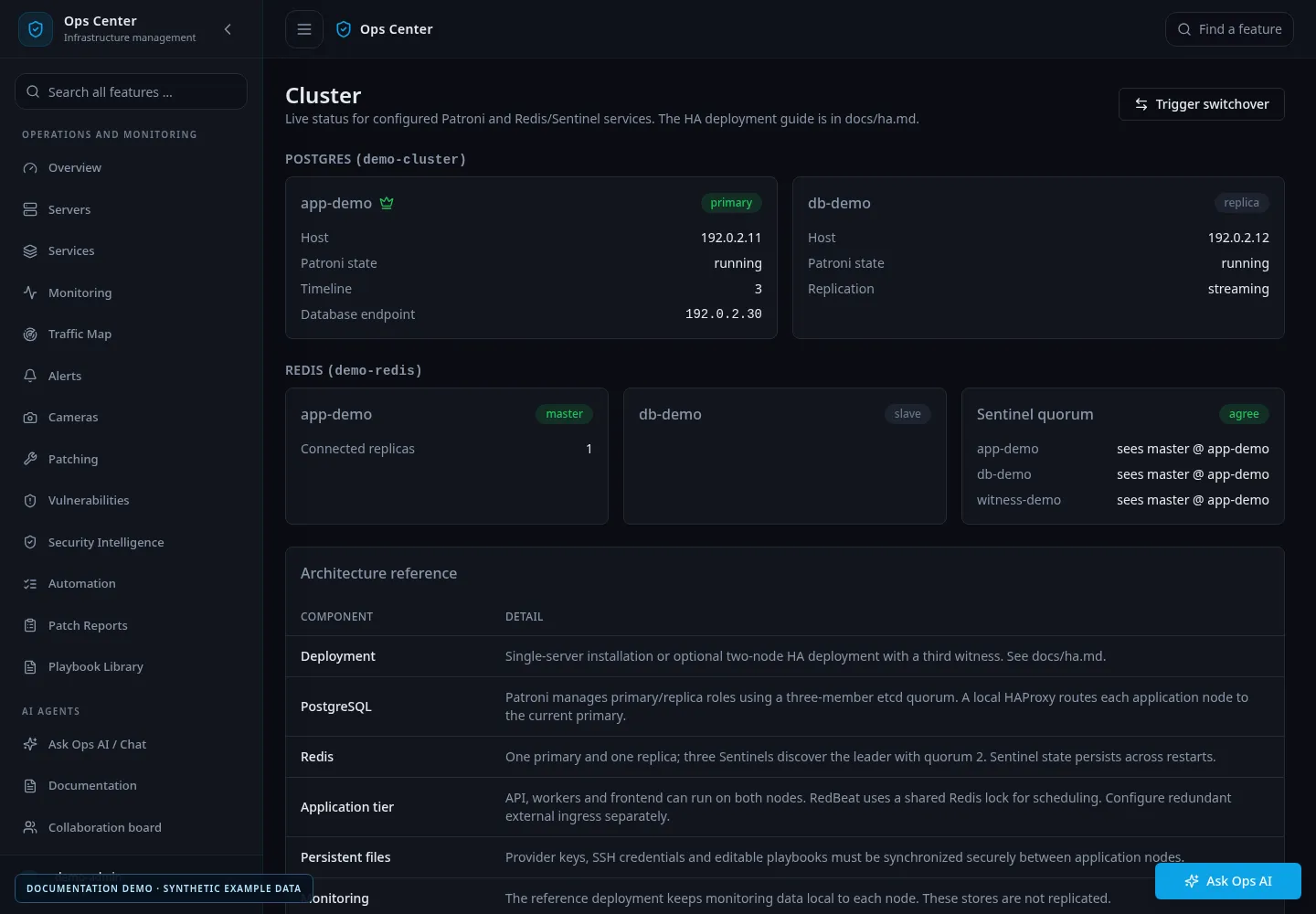
- Optional HA: two application nodes and a witness, PostgreSQL with Patroni and etcd, Redis Sentinel, and switchover from the UI.
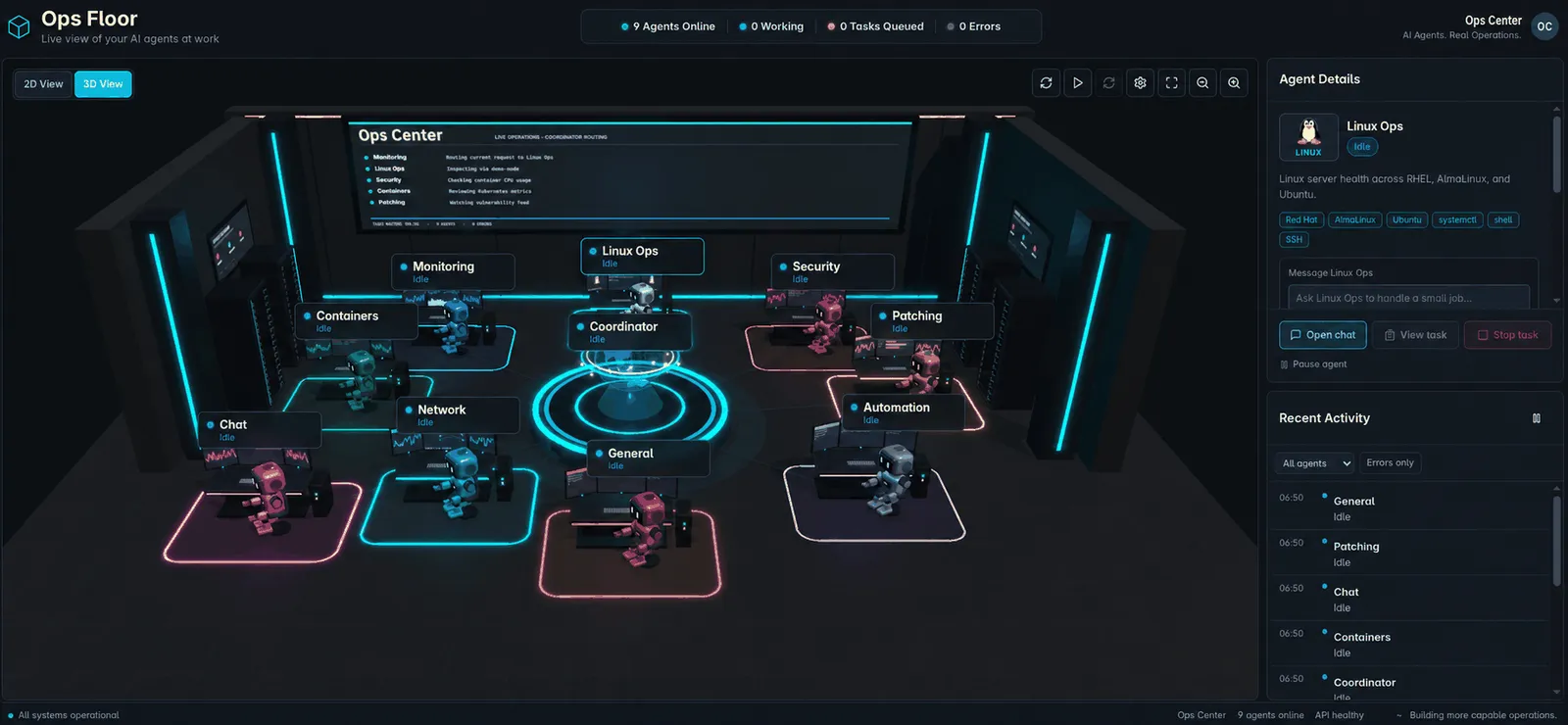
- Optional AI agents on a 2D/3D Operations Floor. Ops Center works without any AI provider configured.
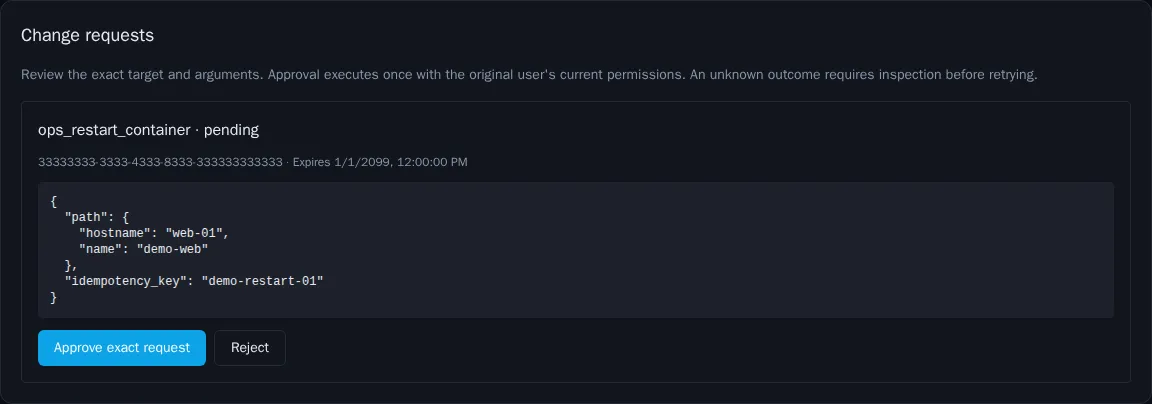
- An MCP endpoint that exposes reviewed operational tools to AI clients with OAuth, explicit tool scopes and human approval of changes. It starts disabled, with no clients.
- An optional installable PWA and dedicated wallboards.
# screenshots
# written about it here
- >Building My Own Ops Center – A Homelab Project for Linux, Automation, Security and AI
- >Ops Center beyond one homelab: portable setup and explicit integrations
- >Ops Center gets MCP: connect AI agents with access control
- >Traffic Map in Ops Center: live observations with useful history
- >Ops Center as a PWA: an app window for mobile and wallboards
# links
- ↗View on GitHub→ github.com/r0lfi/ops-center
- ↗View releases→ GitHub Releases
- ↗Documentation→ docs/ on GitHub
- ↗Changelog→ CHANGELOG.md on GitHub